 TangBoe
Boe's helpers
Money to-dos
Money tasks don’t slip — set bill payments, savings transfers, and debt payoffs
Created Jul 31, 2026 · Updated Sep 16, 2026
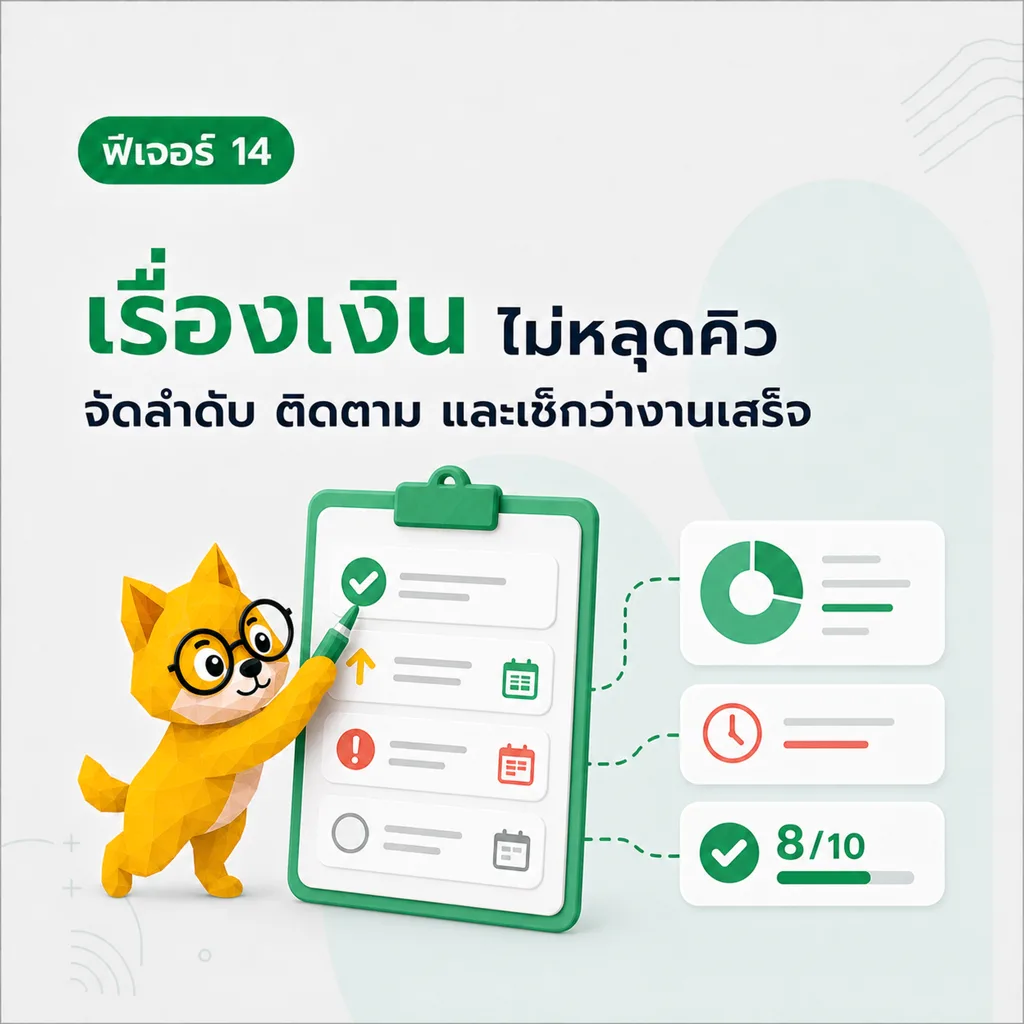
Money tasks have a queue too — pay bills, transfer to savings, pay off debts. Put them on a list and check them off one by one. Don’t rely on memory alone.
What Boe helps with here
- Set tasks with status and priority
- Filter important tasks, ones due soon, or ones linked to goals/budgets
- Drag to reorder
- Undo a mistaken delete right away
How to use
- Tap “+” to create a task — add priority or due date if you want
- Use filters to focus on important or soon-due tasks
- Open an item to edit or change status
- With filters off, drag to reorder the queue
- Deleted by mistake? Undo from the toast notification