 TangBoe
Docs
TangBoe user guide
Practical steps with feature screenshots — start logging, budgeting, reporting, and planning
Start here
Begin with these topics

Transactions
How to log income, expenses, transfers, and investments — with tags, groups, receipts, and recurring items

Track gold buys and sells
Add gold to your portfolio, log buys and sells, pick a weight unit, and follow value from the latest price
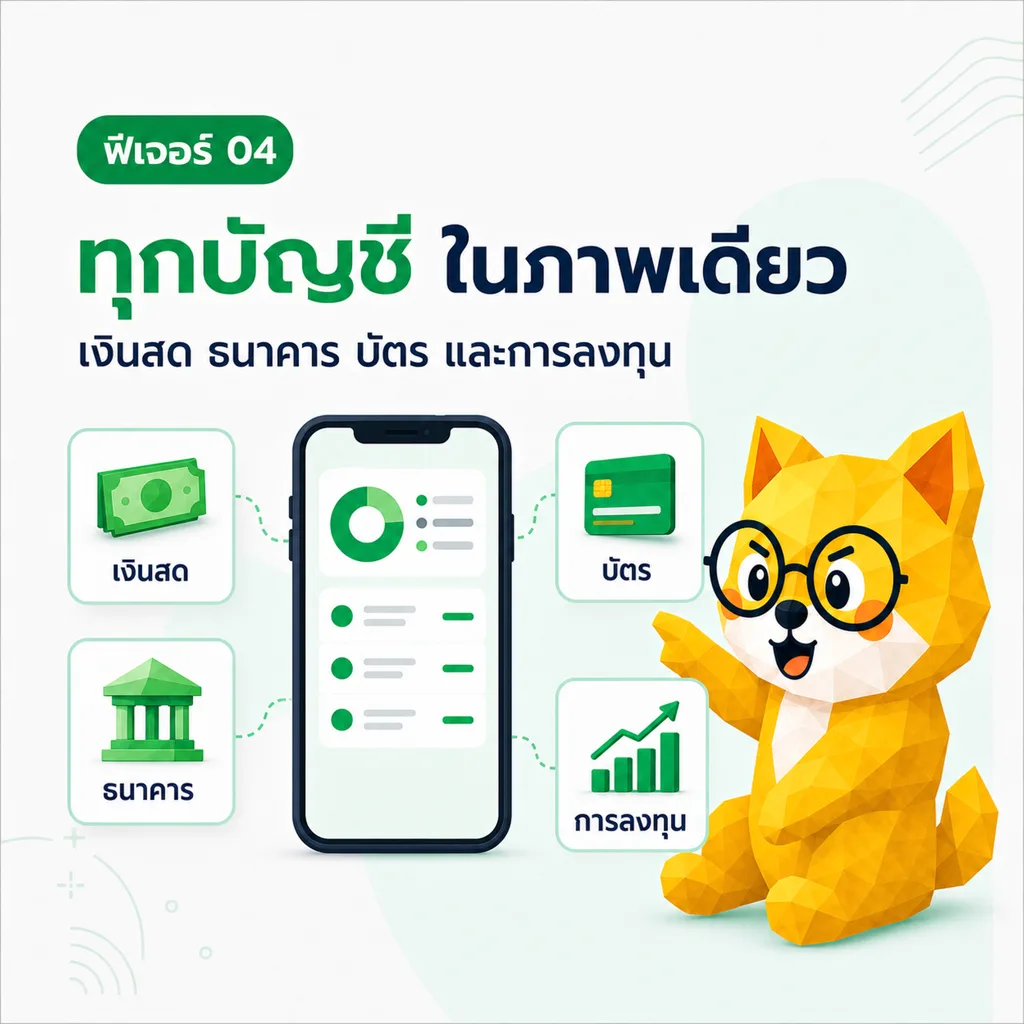
Wallets
See every account in one view, transfer between wallets, and track lottery, funds, and investments

Budgets
Set a budget before you spend — track monthly budgets by category

Goals
Big goals start small — set targets and track progress

Ask Boe
Ask about your money — Boe answers from your real data, not generic advice

Reports and export
See where money goes every month from real reports — export CSV or PDF
TangBoe main menu
13
Home
A quick money overview with charts, insights from Boe, and data that syncs across devices
Transactions
How to log income, expenses, transfers, and investments — with tags, groups, receipts, and recurring items
Log items offline
Log income, expenses, transfers, and investments without internet. Items stay on the device and sync when you are back online.
Track gold buys and sells
Add gold to your portfolio, log buys and sells, pick a weight unit, and follow value from the latest price
Wallets
See every account in one view, transfer between wallets, and track lottery, funds, and investments

Track stock buys and sells
Record share quantity, average cost, and portfolio value — this is not an order-routing broker

Investment portfolio and holdings
See assets together — cost, market value, and a one-currency portfolio overview

Track funds and ETFs
Record units, average cost, and current value for mutual funds and ETFs

Track crypto and other assets
Follow crypto, bonds, and other assets with the right quantity, cost, and currency

Manage credit cards
Record credit limit, balance, statement date, and due date

Manage loan accounts
Record principal, remaining balance, interest, and installment for each loan
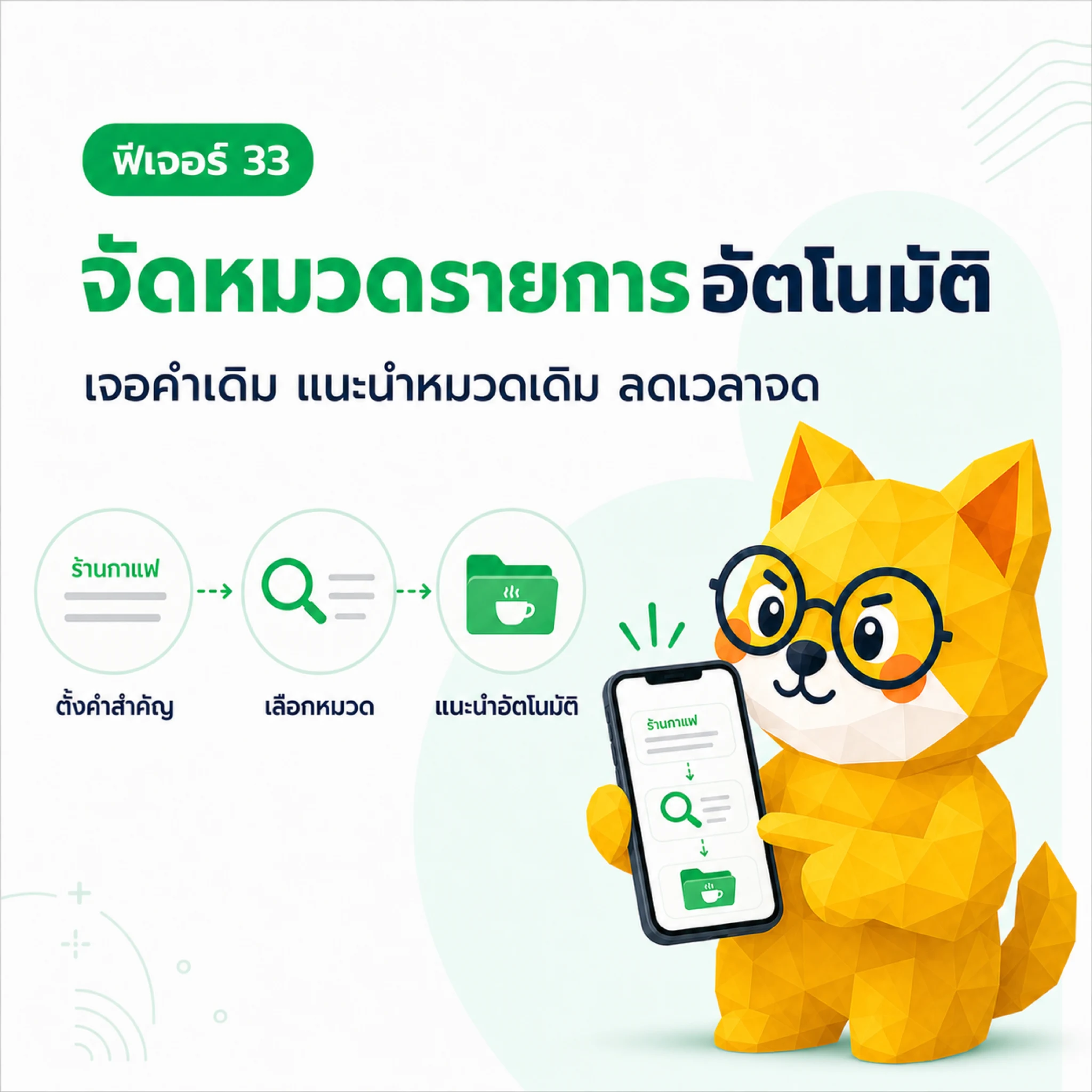
Automatic category rules
Create keyword rules so TangBoe suggests the right category

Spend groups
Group related items, set a budget, lock money, nest folders, and share one link for view or recording
Boe's helpers
4
Money to-dos
Money tasks don’t slip — set bill payments, savings transfers, and debt payoffs

Recurring items
No need to log the same things again — set rent, utilities, subscriptions, and you’re done
Goals
Big goals start small — set targets and track progress
Budgets
Set a budget before you spend — track monthly budgets by category
Tools & extra features
8Ask Boe
Ask about your money — Boe answers from your real data, not generic advice

Import transactions from CSV
Preview rows, fix mistakes, and add many transactions in one go
Reports and export
See where money goes every month from real reports — export CSV or PDF

Log expenses via LINE
Type in LINE and let Boe log it — track money from the app you use every day without switching

Update asset prices
Sync latest prices, check data time, and recalculate portfolio value

Notifications
Get reminded early, miss less — bill due dates, budgets nearly full, and important items

Connect Telegram for notifications
Link Telegram to receive TangBoe notifications in chat
Expense ranking
See which categories spend the most in the period you choose
Financial planning
9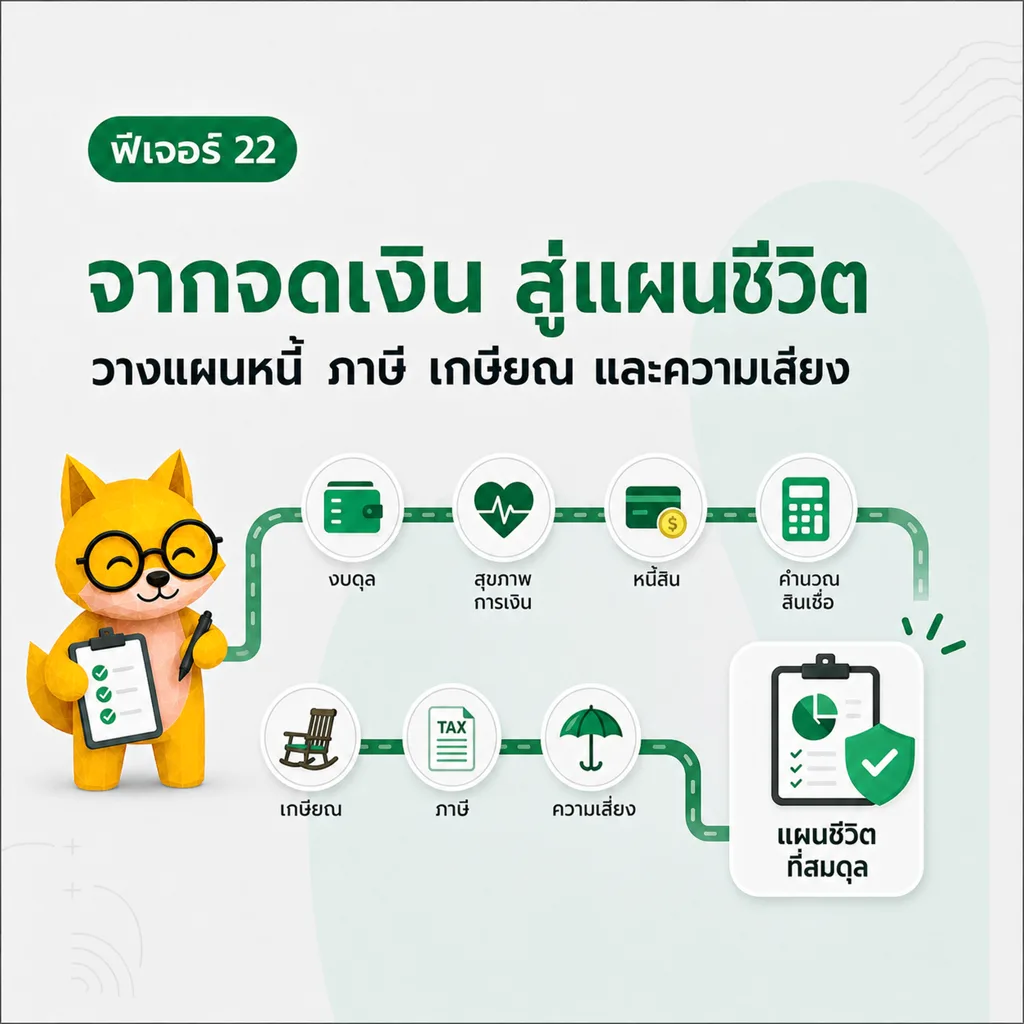
Financial planning hub
From daily tracking to life plans — tax, retirement, and risk tools in one place
Balance sheet / net worth
Record assets and liabilities and calculate net worth
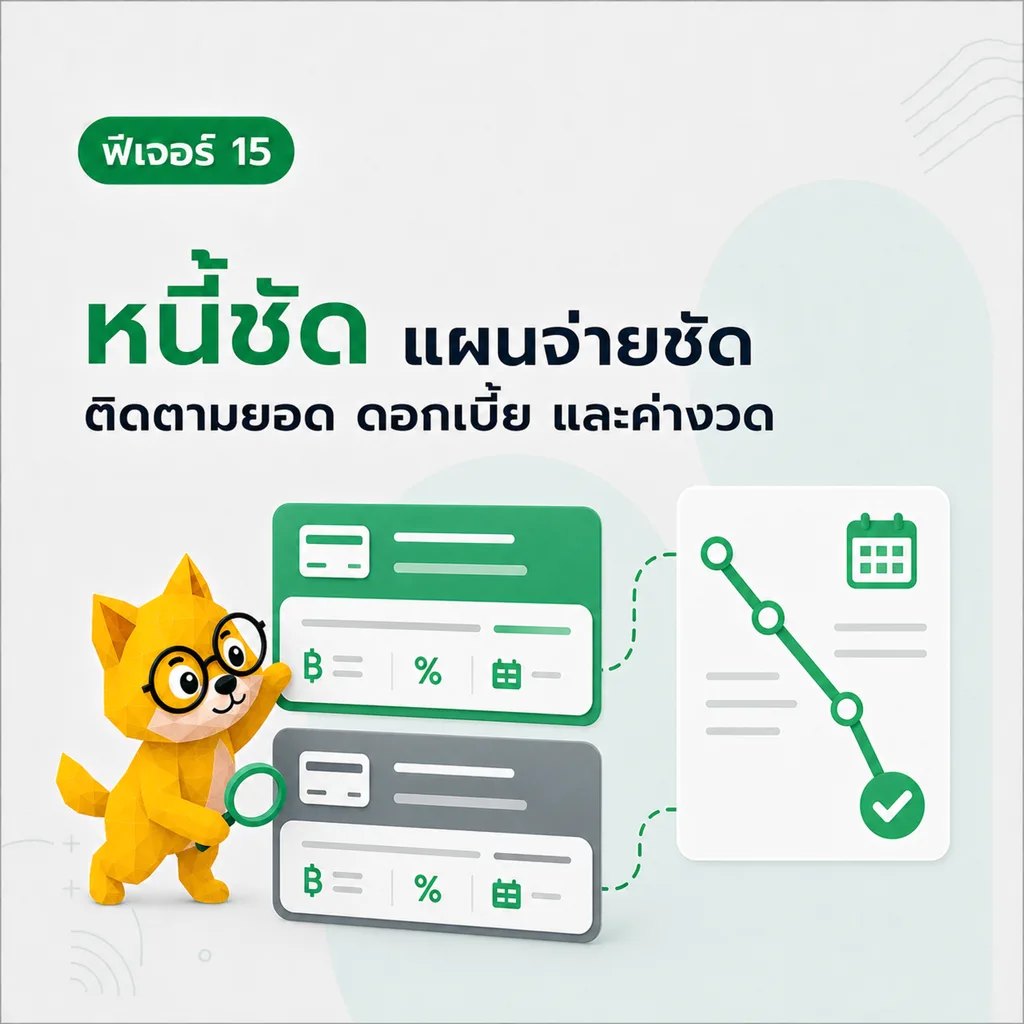
Debt management
See every debt with a payoff plan — avalanche (highest interest first) or snowball (smallest first)
Loan calculator
Calculate installments and amortization schedule
Provident fund calculator
Estimate provident fund growth by age, salary, and contribution rates
Retirement planning
Plan retirement money in detail and see if you’re saving enough
Tax planning
Plan taxes systematically from income, deductions, and tax credits
Risk management
Assess and manage financial risks
Financial health
Check your financial health and get improvement tips
Profile & settings
11Profile
Account overview and important shortcuts
Edit profile
Edit personal info and view membership status
App settings
Language, timezone, currency, display mode, theme color, background, and ranking sharing

Security
Private money stays private — PIN, Face ID, and secure account controls
Change password
Update your account password

Check devices and sessions
Review sign-in history and revoke sessions you don’t recognize
Set / reset PIN
Set a PIN code for extra security

API connect (MCP)
Connect TangBoe to AI and external tools with an MCP token or OAuth

Categories
Find things because they’re organized — manage income, expense, transfer categories and tags

Tags
Create and pick tags so related items stay together and are faster to find later
Billing
View plan, membership status, credits, and primary payment method
Services & support
6
Refer a friend
Create a referral link, invite friends, and use credit under system terms

Contact the team
Send a request, attach proof, and follow help status from the TangBoe team

Membership plans
Compare plans, pay, use credit, and manage membership status
Checkout
Review your plan and pay through the methods supported on each platform
Payment successful
Confirmation page after a successful payment
About TangBoe
What TangBoe is and what makes it stand out
Account & sign-in
7Sign in
Sign in with email or phone number
Sign up
Create an account to start tracking money with Boe
First wallet setup
Name and choose a currency for your starting wallet after sign-up
Forgot password
Request a password reset by email
Set a new password
Set a new password after tapping the reset link
Verify email
Verify your email after signing up
Unlock with PIN
Enter your PIN before using the app