 TangBoe
Profile & settings
Security
Private money stays private — PIN, Face ID, and secure account controls
Created Jul 31, 2026 · Updated Sep 16, 2026
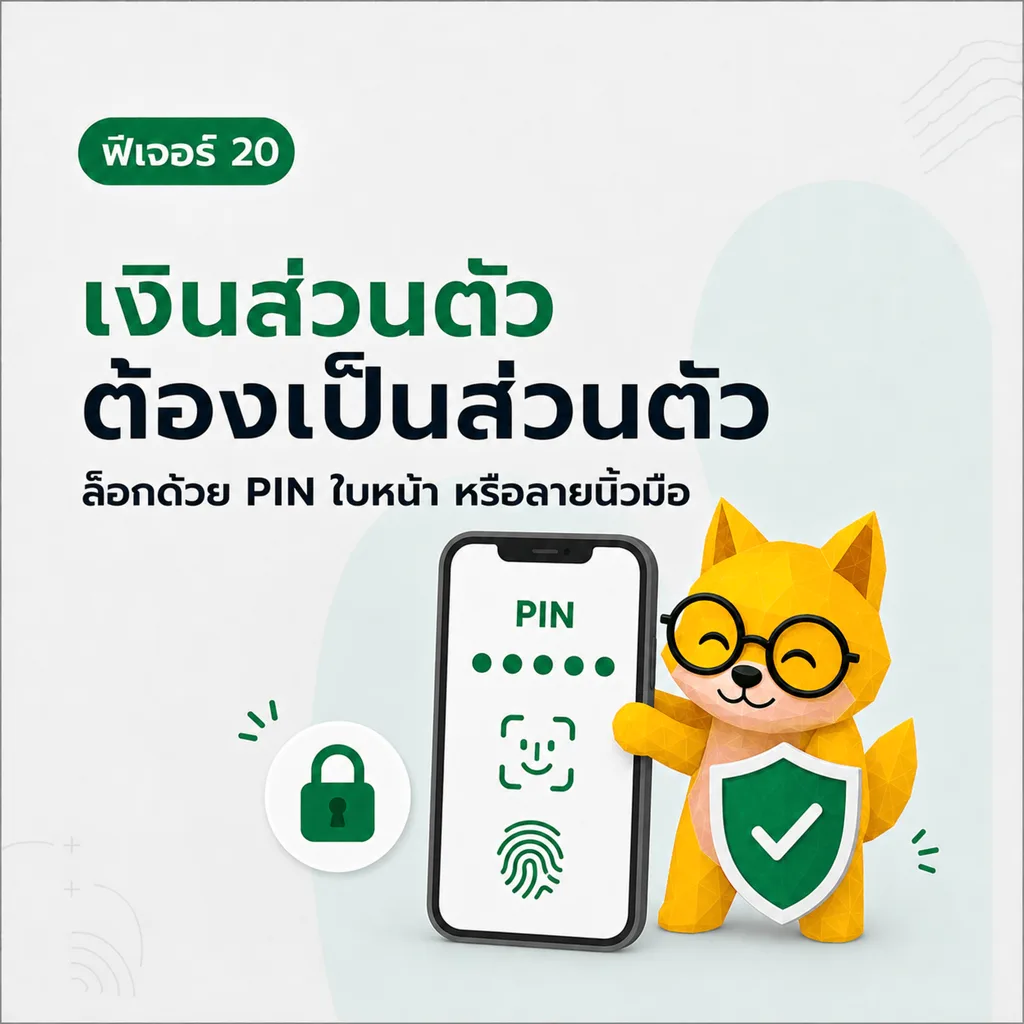
Private money stays private — PIN, Face ID, fingerprint. Lock before opening your data so you can log freely without worrying who might peek.
What Boe helps with here
- Change email, phone number, and password
- Turn PIN on or off
- Lock the screen with PIN or face/fingerprint, depending on device support
- Delete your account when you want to close it permanently
How to use
- Change email from the change email menu
- Add or change your phone number from the phone menu
- Change password when you want to update it
- Turn on PIN and set the code used to lock the app
- To close your account permanently, use delete account and confirm as prompted