 TangBoe
Tools & extra features
Connect Telegram for notifications
Link Telegram to receive TangBoe notifications in chat
Created Aug 6, 2026 · Updated Sep 16, 2026
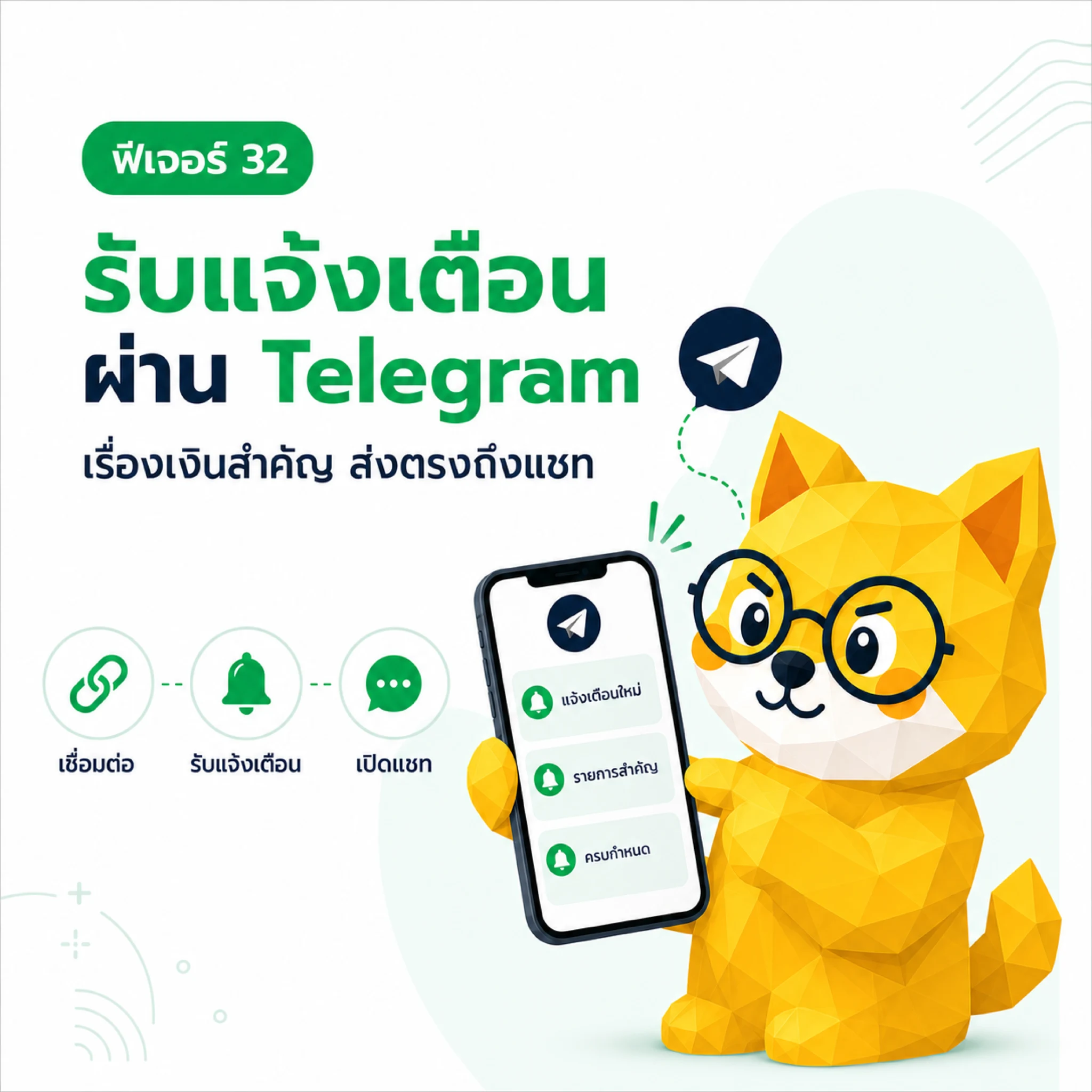
Connect Telegram so TangBoe can send account notifications into chat. This is for receiving alerts, not typing income and expenses like LINE.
What Boe helps with here
- Link your TangBoe account to your Telegram chat
- Send account notifications to Telegram
- Disconnect when you no longer want messages
Before you start
- You must be signed in to TangBoe
- You need the Telegram app or web that can open the bot link
How to connect
- Open Profile / Settings, then Telegram connect
- Tap Connect to create an account-specific link
- Open the link in Telegram
- Tap Start in the bot chat
- Wait for the confirmation that linking succeeded
- Return to TangBoe and check connection status
The link uses a short-lived code. If it is invalid, expired, or already used, create a new link from the app.
Disconnect
Open Telegram connect, then tap Disconnect. After confirm, TangBoe stops sending notifications to that chat. Blocking or removing the bot in Telegram may also disconnect automatically.
How Telegram differs from LINE
- Telegram — receive notifications from TangBoe
- LINE — type messages so Boe can log items into TangBoe