 TangBoe
TangBoe main menu
Log items offline
Log income, expenses, transfers, and investments without internet. Items stay on the device and sync when you are back online.
Created Sep 20, 2026 · Updated Sep 20, 2026
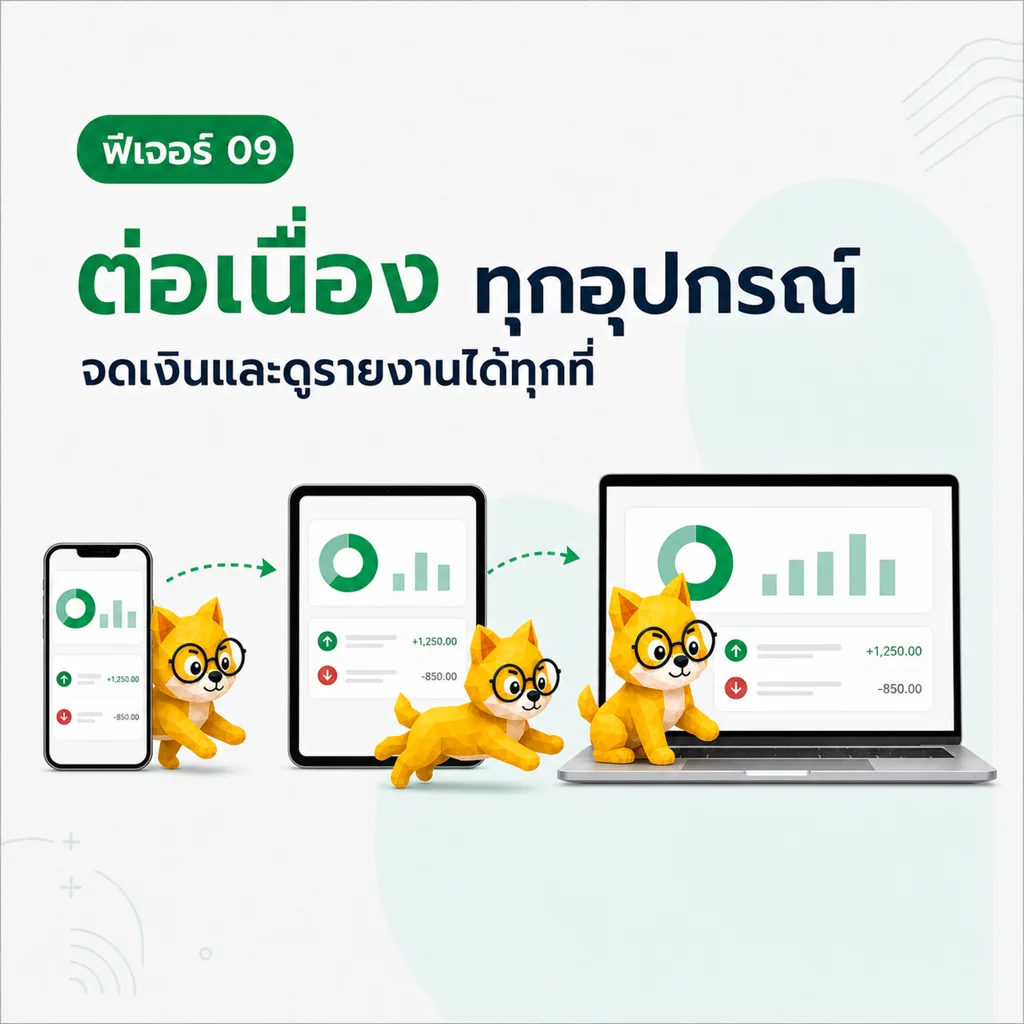
If you are already signed in, you can log money with no internet. TangBoe stores the item on the device first, then syncs it when the network returns. This works on iOS, Android, and the web app at app.tangboe.com.
What Boe helps with here
- Log income, expenses, transfers, debt, and investments without waiting for the network
- Edit or delete existing items while offline
- Create a wallet, category, or tag from the logging form
- Attach a photo or file; the upload waits until you are online
- Show waiting items right away — not only on the transactions page
How to log offline
- Open the app with an account that is already signed in
- Tap Log and fill the form as usual
- Save — the item appears immediately with a waiting-to-sync label
- When the network returns, Boe syncs automatically and the label goes away
You do not need a manual sync button. Do not sign out while items are still waiting, because the local queue belongs to the signed-in account.
Where the item shows up
A newly logged item appears on:
- The transactions page
- Recent items on Home
- The wallet detail activity
- Charts and reports for that month
- Budget, goal, and spend-group cards linked to the item
The synced wallet balance stays the official number. Pending change is a separate caption until sync finishes.
Create wallets, categories, and tags offline
You can create cash, bank, e-Wallet, credit, investment, loan, and other wallets while offline, plus categories and tags from the form. Items that use those new records get their server IDs remapped on sync.
Creating a nested credit card, loan account, or holding still needs internet.
Still needs internet
- First sign-in, or when the session has expired
- Receipt scan / OCR
- Ask Boe and the daily insight
- CSV import
- Server-side recurring rules
Read next: Transactions · Wallets · Home