 TangBoe
Tools & extra features
Log expenses via LINE
Type in LINE and let Boe log it — track money from the app you use every day without switching
Created Jul 31, 2026 · Updated Sep 16, 2026
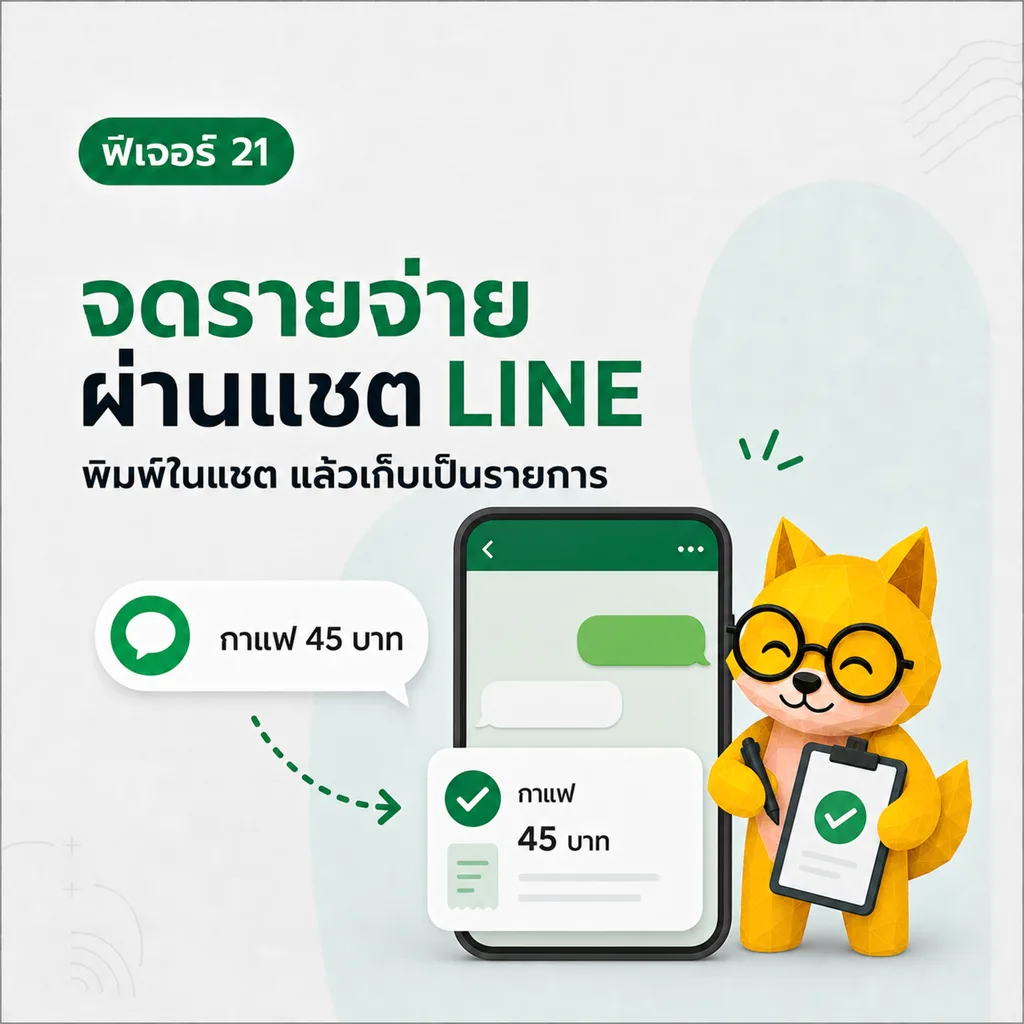
Type in LINE and let Boe log it — a short message is saved to TangBoe immediately, then Boe sends a receipt card for you to check. Track money from the app you already use every day, without switching.
What Boe helps with here
- Log income and expenses through LINE chat. Type something short like
morning coffee 65orsalary 30000 - Boe picks category and wallet, then saves immediately — you don’t type confirm first
- Edit or delete from the receipt card in chat, or open it in the app
- See today / this month / budgets / recent items without switching apps
- Ask Boe about money, such as “Am I spending too much?”
- Use LINE quick menus — tap How to use or Log money in/out for feature cards
- Data goes into the same system as the app and web
How to get started
- Add TangBoe’s LINE OA as a friend
- Link your TangBoe account to LINE as Boe explains in chat
- Type something short like “coffee 65”
- Wait for the receipt card, then check amount, category, and wallet
- If it’s wrong, edit or delete from the card, or open it in the app
Tips from Boe
- Great when you’re out and don’t want to open the full app
- Want more detail? Add a category or short note in the message
- Logged wrong? Edit or delete from the receipt in chat, or from Transactions in the app