 TangBoe
Profile & settings
Check devices and sessions
Review sign-in history and revoke sessions you don’t recognize
Created Aug 6, 2026 · Updated Sep 16, 2026
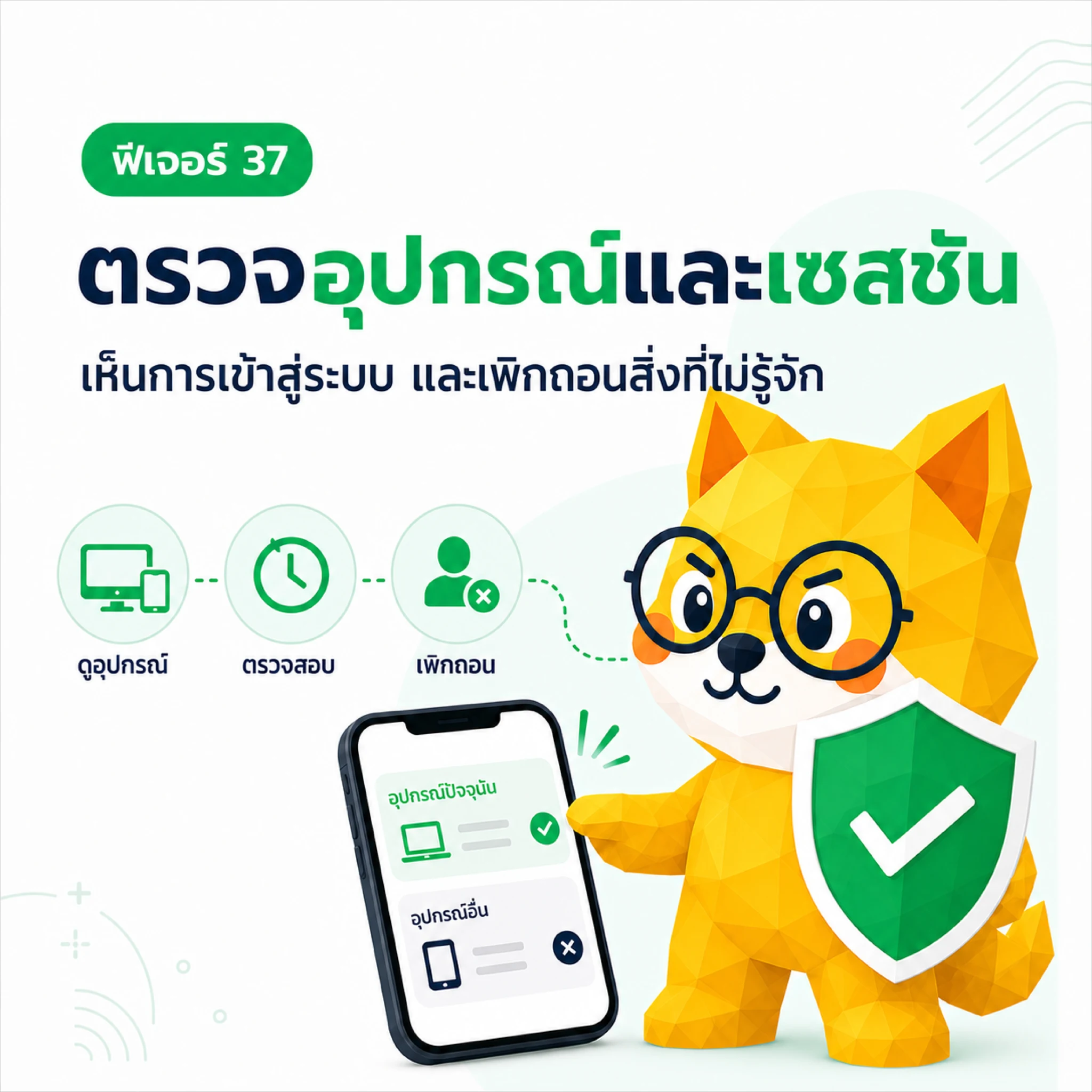
Session activity helps you see which sessions are using your TangBoe account and revoke ones you don’t recognize without deleting the account.
What Boe helps with here
- Show sessions, devices, and times related to account use
- Help spot unfamiliar sign-ins
- Revoke unwanted sessions from one page
What you can check
- Sessions still in use
- The current session
- Sign-in time and last active time
- Device, browser, or network details the system recorded
- Activity history such as sign-in, sign-out, or revoke
Device details may be approximate from browser and network. Don’t treat location alone as proof of an intruder.
Revoke a session
- Open Profile → Security → Sign-in activity
- Check the current session and device list
- Pick a session you don’t recognize
- Tap Revoke / Sign out this device
- Confirm, then check it left the active session list
Revoking invalidates that session’s token. The current device stays signed in until you sign out or revoke the current session.
If you see unusual activity
- Revoke unknown sessions immediately
- Change your password
- Check email, phone, and external connections
- Contact the team if anything still looks wrong
Read next: PIN and biometrics