 TangBoe
Profile & settings
API connect (MCP)
Connect TangBoe to AI and external tools with an MCP token or OAuth
Created Jul 31, 2026 · Updated Sep 16, 2026
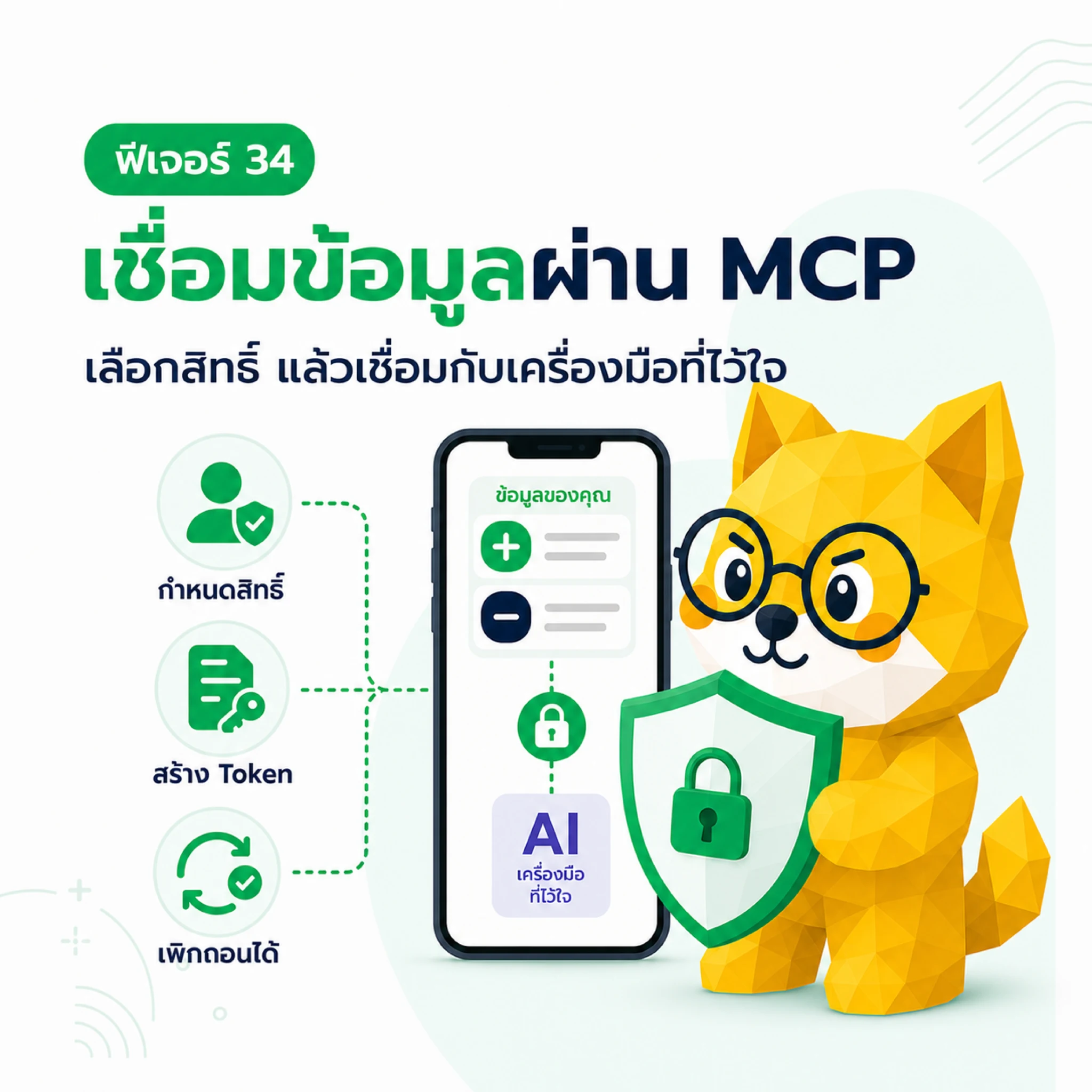
MCP lets AI or external tools read TangBoe data within the permissions you grant — wallets, items, reports, and planning data. It does not give those tools your TangBoe password.
What Boe helps with here
- Create a token for tools that support MCP
- Connect with OAuth and approve the scopes shown
- Review and revoke connections you no longer use
Before you connect
- Connect only tools you trust
- Grant only the scopes you need
- Don’t send a token through chat, email, or a note others can open
Create an MCP token
- Open Profile → API connect → MCP API Tokens
- Tap Create token and name it for the tool
- Pick the scope or data set you allow
- Set expiry or an IP allowlist if you want extra limits
- Create, then copy the token immediately
The full token is shown only once. If you lose it, revoke the old token and create a new one.
Connect with OAuth
Tools that support OAuth can take you to TangBoe’s consent page so you don’t copy a token yourself. Check the tool name and requested scopes, then approve only when the details are right.
Review and revoke
Return to MCP Tokens to see name, scopes, expiry, and status. If you stop using a tool or suspect a leak, tap Revoke immediately. Revoking stops new requests from that token.
MCP grants read access to financial data for the scopes you picked. Treat the token like an account secret.